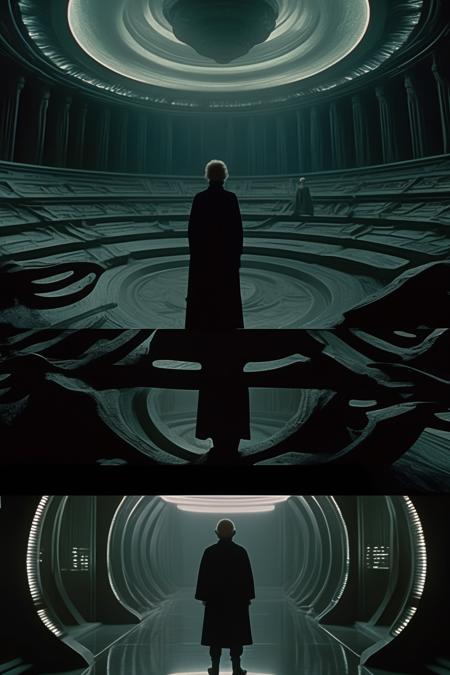
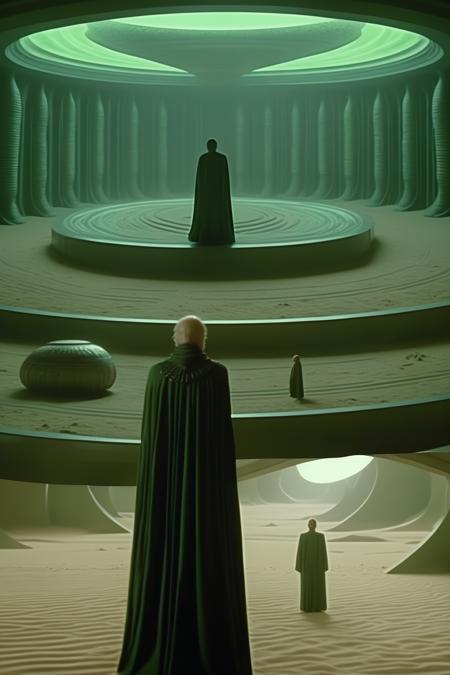
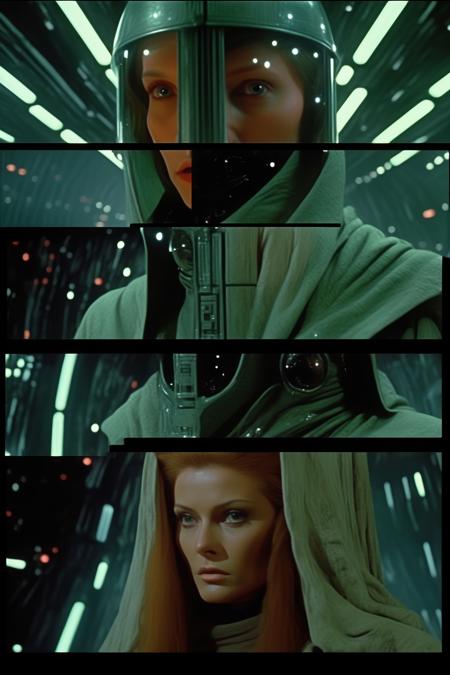
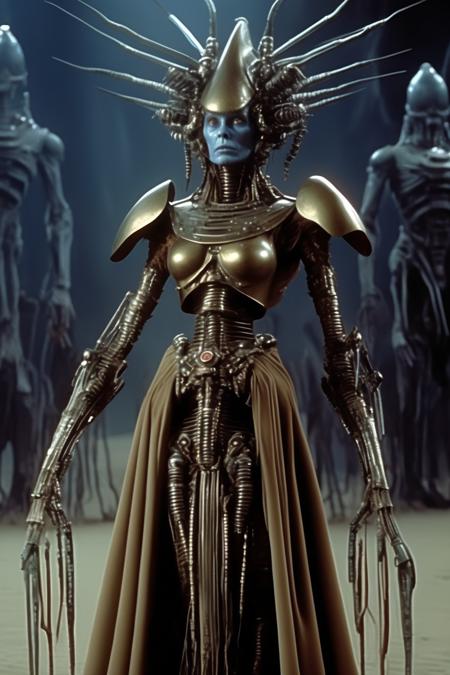
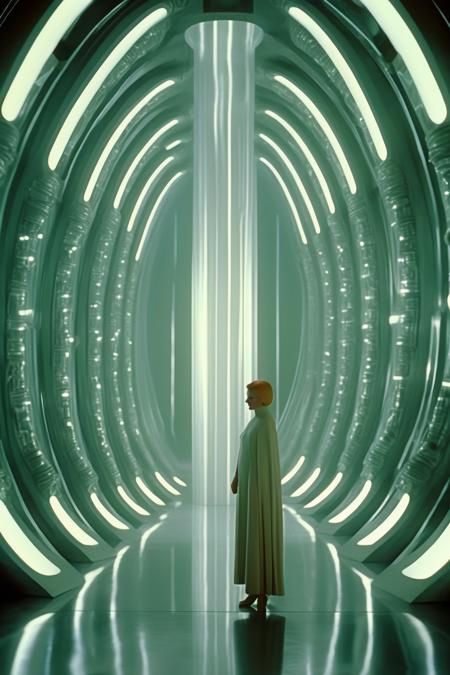
Diffusers How to use KappaNeuro/director-ridley-scott-style with Diffusers:
pip install -U diffusers transformers accelerate
import torch
from diffusers import DiffusionPipeline

# switch to "mps" for apple devices
pipe = DiffusionPipeline.from_pretrained("stabilityai/stable-diffusion-xl-base-1.0", dtype=torch.bfloat16, device_map="cuda")
pipe.load_lora_weights("KappaNeuro/director-ridley-scott-style")

prompt = "Director Ridley Scott style - Stunning movie still from science fiction film, style of dune emperor in middle of room, sand floor, object of worship, robed character sacrified on floor, green color grading, alien architecture, distant future, expansive domed room, enormous space, reverence, oppressive, tense, unsettling, cinematography, dark, extremely detailed, cinematic compisition, moody lighting, hyperrealism, extremely detailed with rich colors Photography, Depth of Field, F 2. 8, high Contrast, 8K, Cinematic Lighting, ethereal light, intricate details, extremely detailed, incredible details, full body, full colored, complex details,Photography, Photoshoot, Shot on 70mm, Depth of Field, DOF, 5D, Multiverse, Super - Resolution, ProPhoto RGB, Lonely, Good, Massive, Big, Spotlight, Frontlight, Halfrear Lighting, Backlight, Rim Lights, Rim Lighting, Natural Lighting, Moody Lighting, Cinematic Lighting, volumetric Light, Rembrandt Lighting, Beautiful Lighting, Accent Lighting, Global Illumination, Ray Tracing Global Illumination, Optics, Materiality, Ambient Occlusion, Scattering, Glowing, Shadows, Rough, Shimmering, Ray Tracing Reflections, Chromatic Aberration, CGI, VFX, SFX, insanely detailed and intricate, hypermaximalist, elegant, ornate, hyper realistic, super detailed, grainy film still"
image = pipe(prompt).images[0]